Overview
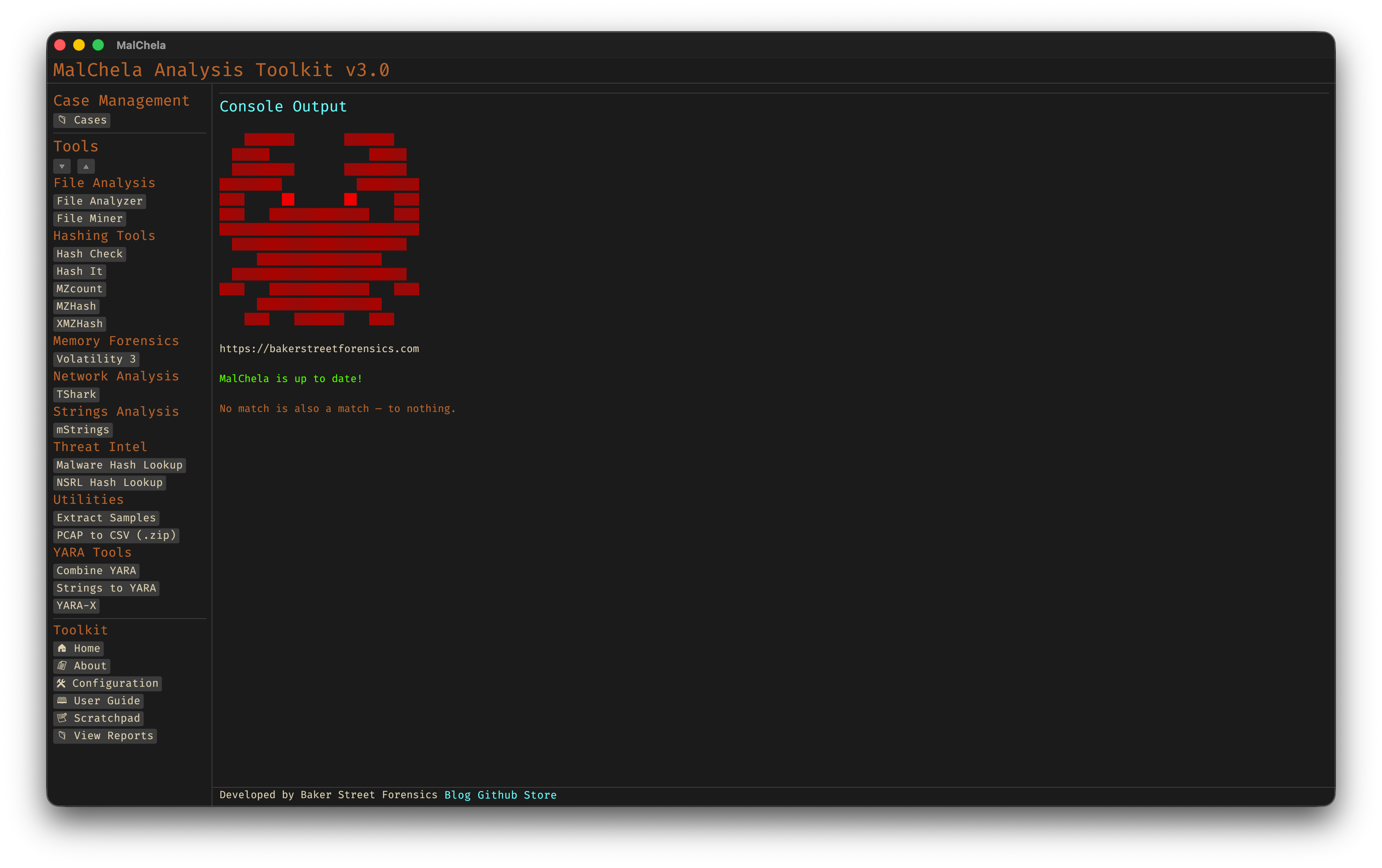
MalChela Web Interface
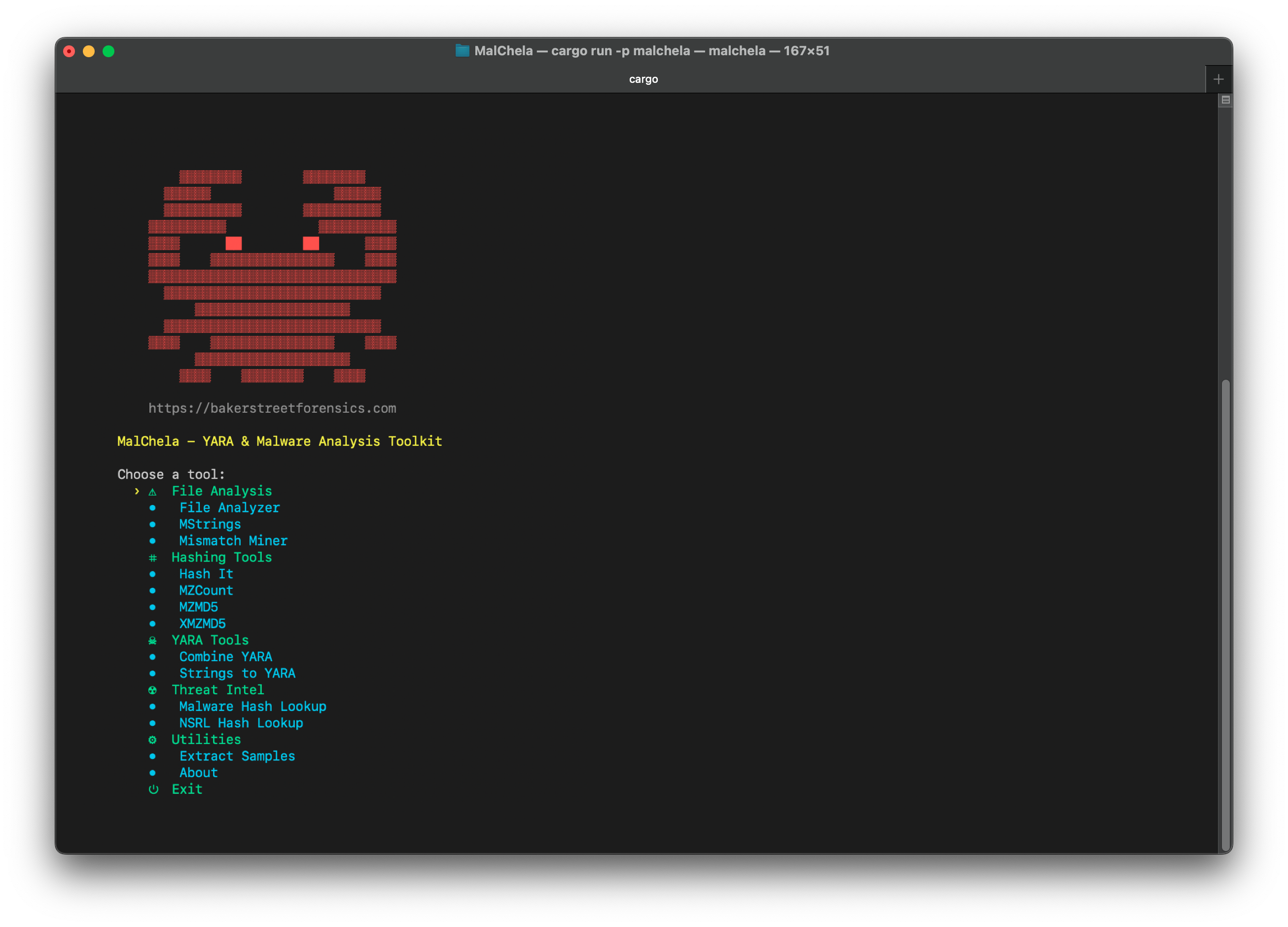
MalChela CLI
Analyze
One-click auto-triage: point Analyze at a file, folder, or .app bundle and it classifies everything with File Miner, dispatches every tool it suggests, and produces a combined MalChela Summary rollup report. See the Analyze page for details.
MalChela Core Tools
These built-in programs provide fast, flexible functionality for forensics and malware triage.
| Program | Function |
|---|---|
| Combine YARA | Point it at a directory of YARA files and it will output one combined rule |
| Extract Samples | Point it at a directory of password protected malware files to extract all |
| File Analyzer | Get the hash, entropy, packing, PE info, YARA and VT match status for a file |
| File Miner | Scans a folder for file type mismatches and metadata, and provides suggested tools |
| Hash Check | Check a hash against a .txt or .tsv lookup table |
| Hash It | Point it to a file and get the MD5, SHA1 and SHA256 hash |
| mStrings | Analyzes files — including Mach-O binaries and .app bundles — with Sigma rules (YAML), extracts strings, matches ReGex |
| MZHash | Recurse a directory, for files with MZ header, create hash list and lookup table |
| MZcount | Recurse a directory, uses YARA to count MZ, Zip, PDF, other |
| NSRL Query | Query a MD5 or SHA1 hash against NSRL |
| Strings to YARA | Prompts for metadata and strings (text file) to create a YARA rule |
| Threat Intel Query | Multi-source hash and URL lookup. Hash: VT, MB, OTX, HA, FileScan, Malshare, MetaDefender, ObjectiveSee. URL: VT, urlscan.io, Google Safe Browsing. Web interface supports file-to-hash and QR code decode.* |
| XMZHash | Recurse a directory, for files without MZ, Zip or PDF header, create hash list and lookup table |
MalChela also includes a dedicated Mac Analysis tool stack for static analysis of macOS binaries, bundles, and property lists.
*Threat Intel Query supports optional API keys for its sources. Keys can be managed via the API Keys panel in the MalChela web interface or by placing them in the api/ directory. Sources without configured keys are skipped automatically.