The MITRE Reference Panel provides a built-in way to explore MITRE ATT&CK techniques directly within MalChela.
This panel supports live search by technique ID (e.g., T1059) or keyword (e.g., "scripting"). It is context-aware and optimized for use alongside tools like mstrings.
MITRE Lookup Panel
Features
- Full display of technique details:
- Technique title
- Tactic(s)
- Platforms
- Description
- Detection guidance
- Malware
- Tools
-
Intrusion Sets
-
Modal view floats above the main console, allowing uninterrupted output viewing
- --full option to support long-form content (no truncation)
- Save lookups for later reference or save to a Case
- Markdown formatting for MITRE reports for inclusion in forensics reports
Accessing from the MalChela Web Interface:
- Select MITRE Lookup in the left-hand Toolbox menu
- Use the input field at the top of the modal to enter a keyword or technique ID (e.g.,
T1059orregistry) - Use the "Full" checkbox for un-truncated output
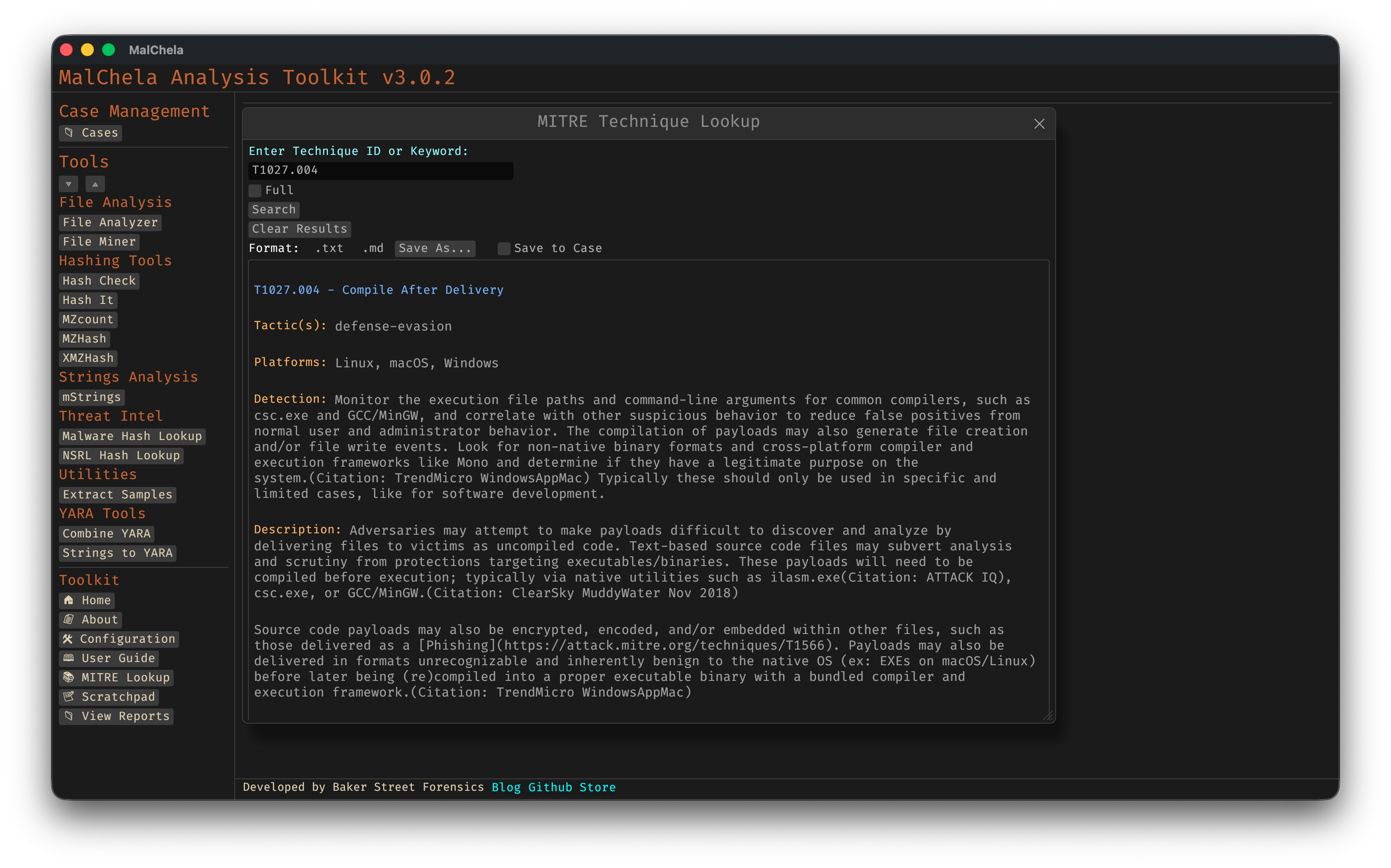
MITRE Lookup
Accessing from CLI
There are two ways to use the MITRE Lookup from the command line:
1. From the main MalChela CLI menu
Run the MalChela CLI interface and select MITRE Lookup from the Toolbox section:
cargo run -p malchela
Then choose MITRE Lookup (or press ml) from the menu.
2. Direct tool execution
You can run the MITRE Lookup tool directly with a search term or flags:
# Basic search by keyword or technique ID
./target/release/MITRE_lookup -- t1027.004

# Use --full to display untruncated results
./target/release/MITRE_lookup --full -- t1027.004
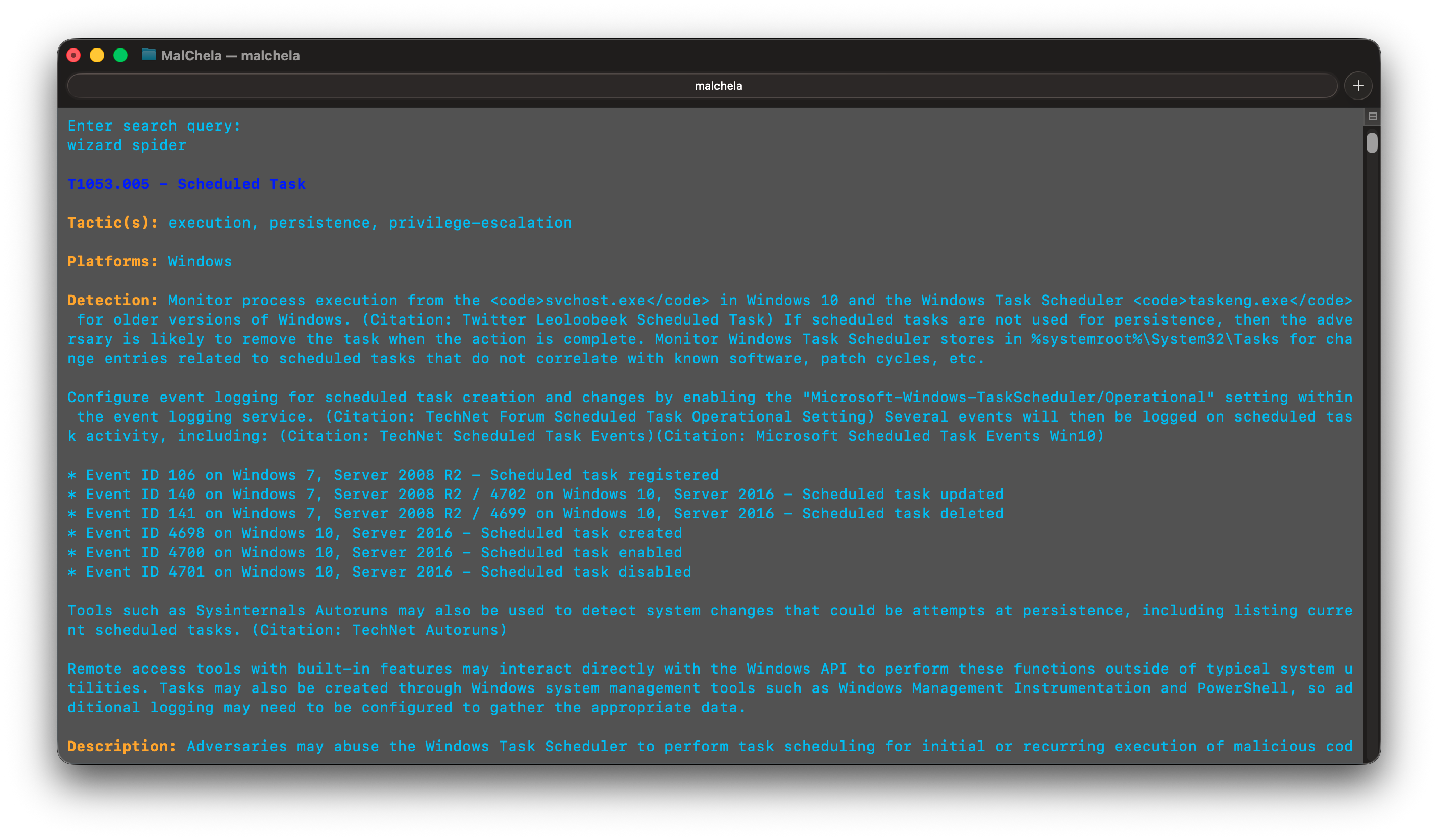
MITRE Lookup (CLI)
Example
Searching for T1027.004 yields:
🔹 T1027.004 - Compile After Delivery
Tactic(s): defense-evasion
Platforms: Windows, Linux, macOS
Detection: Monitor execution of common compilers and correlate with file creation events.
Description: Adversaries may compile code after transferring it to a victim system.