HashCheck
HashCheck lets you quickly verify whether a given set of files (or hash values) match any entry in one or more known-good or known-bad hash lists. It’s designed to help analysts triage large collections of files by comparing against reference datasets — for example, malware repositories, NSRL exports, or your own curated lists.
Hash lists should be in .tsv format (tab-separated values) for best compatibility, though .txt files are also accepted.
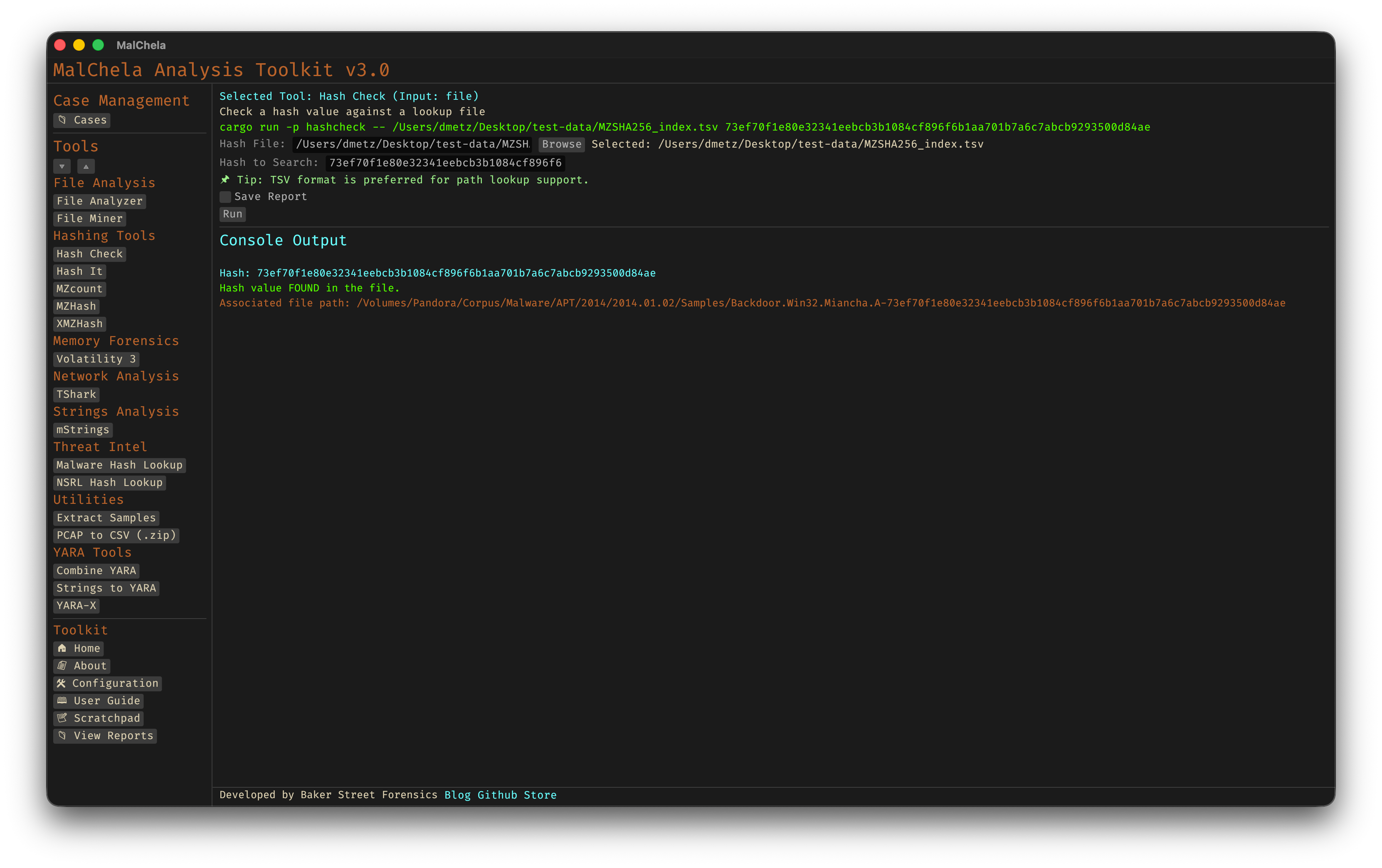
Hash Check
You can generate .tsv lookup files using MZHash or XMZHash.
HashCheck supports MD5, SHA1, and SHA256 formats.
🔧 CLI Syntax
# Example 1: Basic usage
cargo run -p hashcheck ./hashes.tsv 44d88612fea8a8f36de82e1278abb02f

# Example 2: Save output as .txt
cargo run -p hashcheck ./hashes.tsv 44d88612fea8a8f36de82e1278abb02f -- -o -t

# Example 3: Save output to case folder
cargo run -p hashcheck ./hashes.tsv 44d88612fea8a8f36de82e1278abb02f -- -o -t --case CaseName
HashCheck accepts a hash and a lookup file (TSV or TXT). If not provided, you’ll be prompted interactively.
When --case is used, output will be saved under:
saved_output/cases/CaseName/hashcheck/
Without --case, reports are saved to the default:
saved_output/hashcheck/